Your FileMaker Server deserves a host that understands what it's running. worldcloud manages the server, the backups, and the security — so your team manages the solution.
FileMaker Server isn't a WordPress install. It needs the right memory allocation, the right backup schedule around your business hours, correctly configured SSL for FileMaker clients, and someone who can read a server log and know what a stuck script actually means.
worldcloud hosting is configured, monitored, and supported specifically for FileMaker Server — by the same people who do FileMaker consulting, not a general help desk reading from a script.
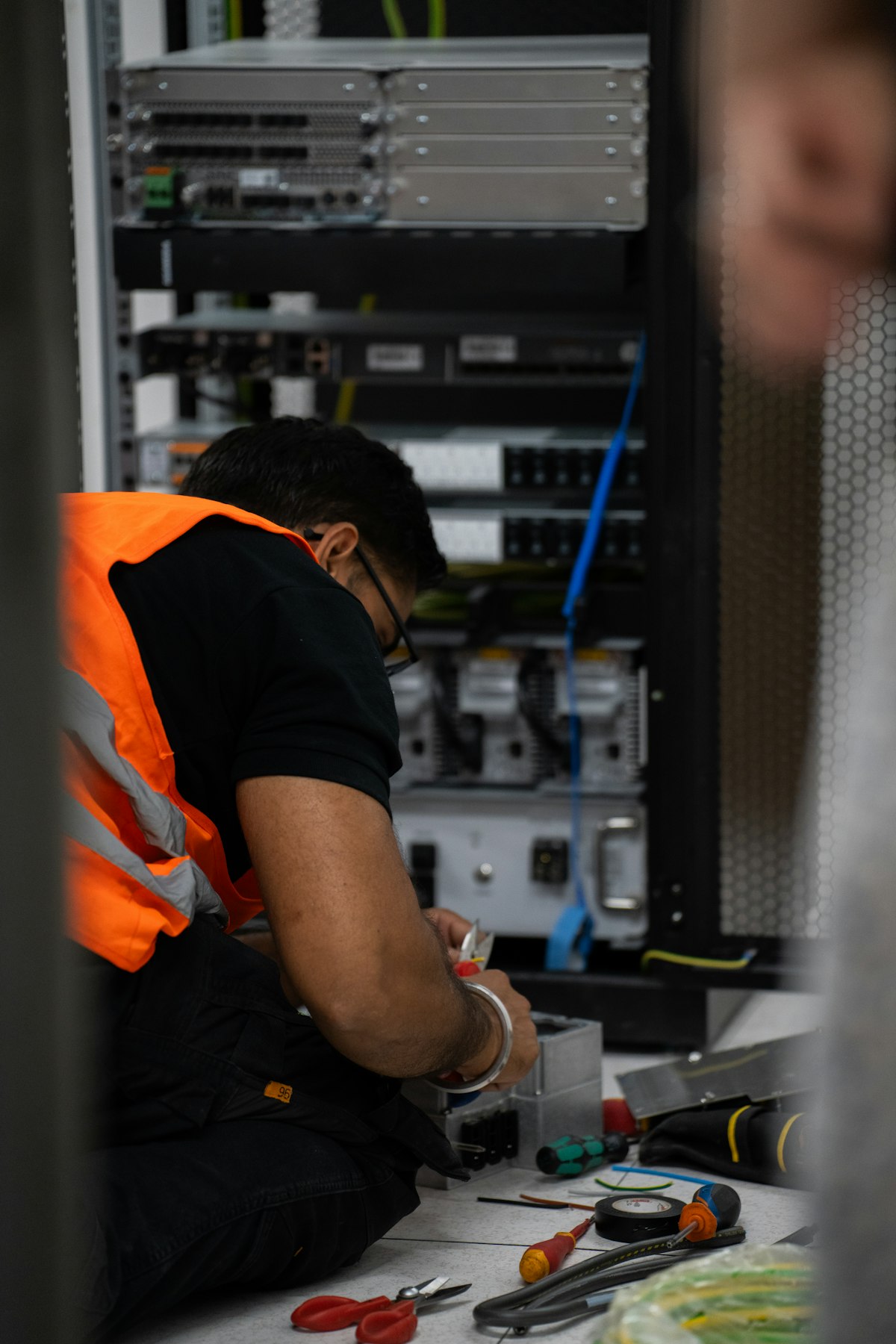
Already hosted elsewhere — self-hosted, another provider, or a server under someone's desk? We plan and run the migration. Unlike most other providers we set up each FileMaker Server for your specific needs: Otto, MBS, InspectorPro, MCP, Odata, DataAPI, oAuth, and/or many other variables.
Start a migration conversationEvery plan includes managed FileMaker Server, daily backups, SSL, and support from our team. Sized examples below — final pricing depends on file size, concurrent users, and support level.
For a single solution with a small team.
For production systems your team relies on daily.
For multi-file, high-concurrency, or multi-site systems.
[Editable — confirm which model worldcloud actually sells: self-hosted FileMaker Server managed by your team, a FileMaker Cloud resale, or both, so this answer is exact.]
Yes — migrations are scheduled outside your peak hours, and we test the destination server before cutover so the switch is a DNS/redirect change, not a rebuild.
[Editable — confirm exact protocol/version support so this is precise rather than a generic yes.]
Your support ticket goes to someone who can read a FileMaker Server log, not a general hosting help desk. If the issue is in your solution's design rather than the server, we can route you to a consultant directly.
One conversation gets you a plan sized to your actual system — not a guess.